
Email Verification: Why It Matters and the Best Tools in 2026
 LeadFindX
Sending cold emails to unverified addresses is one of the most expensive mistakes in outbound sales. This guide explains exactly why email verification matters, how it works, and the best email verification tools available in 2026.
Email Verification: Why It Matters and the Best Tools in 2026
Email verification is one of the most overlooked — and most consequential — components of any outbound sales or email marketing strategy. Send to unverified addresses, and you're not just wasting messages — you're actively damaging your ability to reach anyone.
This guide explains exactly why email verification matters, how it works technically, and which tools do it best in 2026.
What Is Email Verification?
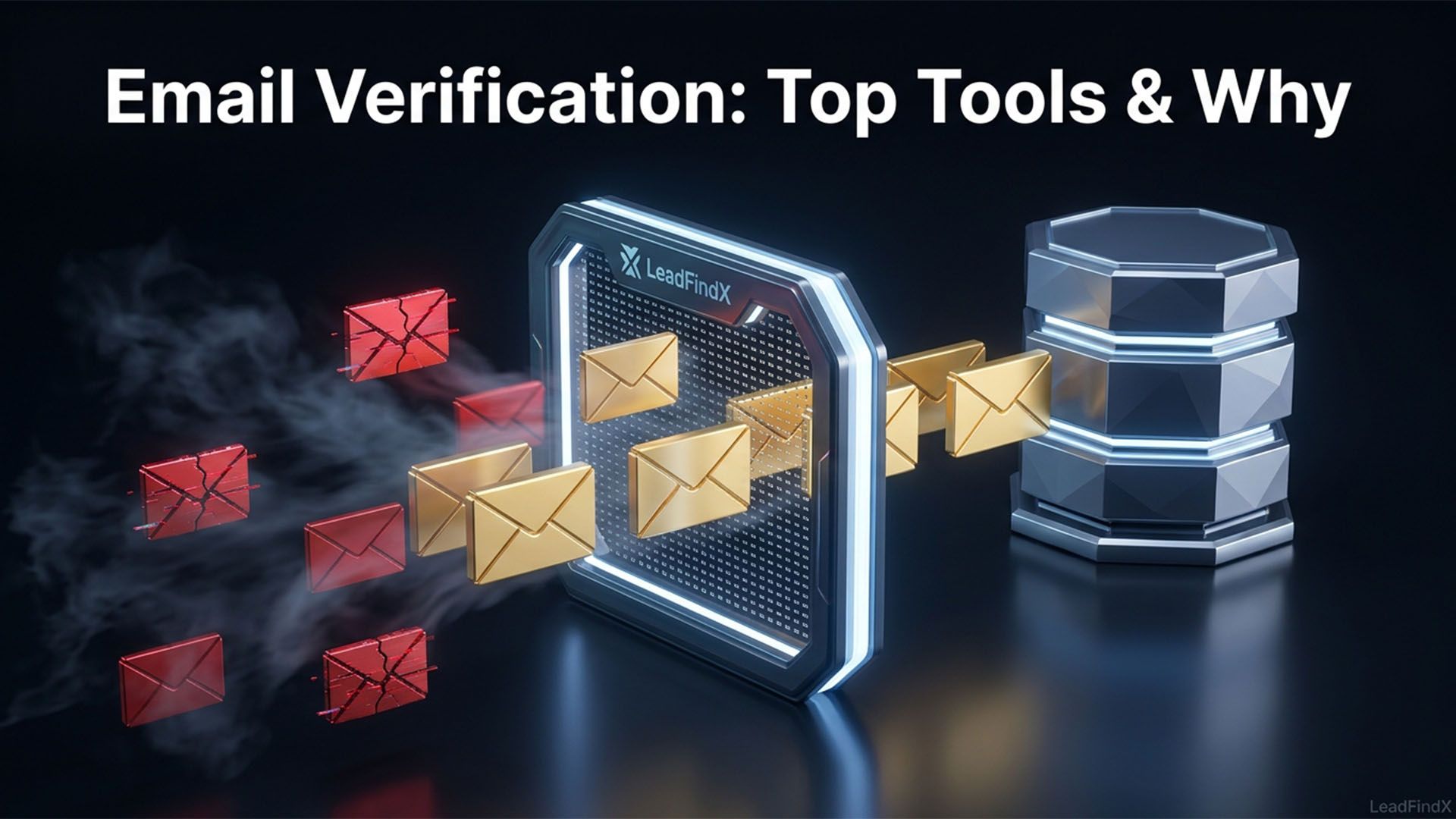
Email verification (also called email validation) is the process of confirming that an email address is valid, deliverable, and associated with an active mailbox — before you send to it.
Email verification checks multiple layers:
| Check | What It Does |
|---|---|
| Syntax check | Confirms the email follows valid format ([email protected]) |
| MX record check | Confirms the domain has a valid mail server |
| SMTP handshake | Simulates sending to confirm the inbox exists |
| Catch-all detection | Identifies domains that accept all mail regardless of inbox |
| Disposable email detection | Flags temporary, one-time email addresses |
| Role account detection | Flags generic addresses (info@, sales@, contact@) |
A thorough verification process runs all of these checks — not just syntax validation.
Why Email Verification Is Non-Negotiable in 2026
1. Bounce Rate Destroys Sender Reputation
When an email bounces (the receiving server rejects it), your sender reputation takes a hit. Email providers like Gmail and Outlook use sender reputation to decide whether your emails land in inboxes or spam.
The thresholds:
- Bounce rate under 2%: Safe zone — normal inbox delivery
- Bounce rate 2–5%: Warning territory — deliverability starts degrading
- Bounce rate over 5%: Danger zone — significant spam filtering begins
- Bounce rate over 10%: Severe — many emails land in spam automatically
Once your sender reputation is damaged, it takes weeks of careful sending to recover. Prevention via verification is always easier than repair.
2. Google and Yahoo Enforcement (2024 Requirements Still Active in 2026)
In 2024, Google and Yahoo implemented strict email sender requirements — and enforcement has only increased in 2026:
- Bounce rate must stay under 0.10% in Google Postmaster
- SPF, DKIM, and DMARC authentication required
- One-click unsubscribe required for bulk senders
Teams not verifying email lists risk being flagged as spam senders, with all their emails — even to legitimate contacts — landing in junk folders.
3. Wasted Sequence Slots
Every bounced email occupies a slot in your outreach sequence — a slot that could have been used for a real prospect. With verified lists, 100% of your sequence efforts go toward real, reachable people.
4. Inaccurate Campaign Metrics
When unverified contacts inflate your list, your metrics — open rate, click rate, reply rate — are distorted. With a verified list, metrics reflect actual engagement from real people.
Types of Email Bounces
| Bounce Type | Cause | Impact |
|---|---|---|
| Hard bounce | Invalid address, domain doesn't exist | Permanent — remove immediately |
| Soft bounce | Inbox full, server temporary down | Try again; remove after multiple failures |
| Catch-all | Domain accepts all mail | Unknown deliverability — verify carefully |
Hard bounces are the most damaging. One hard bounce from an invalid address immediately flags the email as problematic to ESP algorithms.
Best Email Verification Tools in 2026
1. LeadFindX (Built-in Verification)
LeadFindX builds email verification directly into the lead generation process — you never receive an unverified contact. Every email goes through SMTP verification, catch-all detection, and MX record validation before appearing in your results.
This is the most efficient approach: verify at the source, not as a separate step.
Best for: Teams who want verified leads without a separate verification step.
2. NeverBounce
One of the most trusted standalone email verification platforms. Upload a list, NeverBounce processes each email against their verification engine and returns a clean, scored list.
Accuracy: 99.9% claimed accuracy
Pricing: Pay-per-verification ($0.003–$0.008/email) or subscription plans
Best for: Teams with existing lists that need cleaning
3. ZeroBounce
Full-featured email validation platform with additional features like email scoring, inbox testing, and blacklist monitoring.
Pricing: Pay-per-verification or subscription
Best for: Email marketers who need comprehensive list hygiene
4. Bouncer
Modern email verification tool with high accuracy and fast processing. Strong API for developers who need verification integrated into workflows.
Pricing: Pay-per-verification
Best for: Development teams building verification into custom workflows
5. Hunter.io Email Verifier
Hunter.io's built-in verifier checks email syntax, MX records, and SMTP deliverability. Included in all Hunter.io plans.
Best for: Teams already using Hunter.io for email finding
6. Kickbox
Enterprise-grade email verification with real-time API, batch processing, and detailed result codes. Strong for high-volume senders.
Pricing: Pay-per-verification
Best for: Enterprise email programs processing large volumes
Email Verification: Real-Time vs. Batch
| Method | When to Use | How It Works |
|---|---|---|
| Real-time verification | Point of contact capture (web forms) | Validates email as it's entered |
| Batch verification | Before campaigns from existing lists | Upload list, receive scored results |
| Built-in verification | During lead sourcing (LeadFindX model) | Verification happens automatically at data collection |
The most efficient approach is built-in verification — so every contact you source is already verified. This eliminates the batch cleaning step entirely.
Understanding Catch-All Email Domains
A catch-all domain is configured to accept emails sent to any address at that domain — even addresses that don't exist. When an SMTP check hits a catch-all domain, it appears to "accept" the email, making it impossible to confirm if the specific inbox exists.
Catch-all addresses are high-risk: some will deliver, others will bounce. Best practice: send to catch-all addresses only when you have additional confidence signals (e.g., found on LinkedIn, company website, or published content) that the address is real.
Building a Zero-Bounce Cold Email Strategy
To maintain sender reputation below the critical thresholds:
- Source only verified contacts (use LeadFindX or a tool with built-in SMTP verification)
- Clean lists before sending (run batch verification if using older data)
- Remove hard bounces immediately after every campaign
- Monitor bounce rates daily via Google Postmaster Tools
- Warm up new sending domains before sending at volume
How LeadFindX Delivers Pre-Verified Emails
The unique advantage of LeadFindX is that email verification is built into every search — not an afterthought or a separate paid step.
When you run a LeadFindX search:
- AI identifies matching businesses and decision-makers in real time
- The verification engine runs SMTP handshake on every email
- Catch-all domains are flagged separately
- Role accounts (info@, support@) are excluded by default
- You only see verified, deliverable personal emails
This means zero additional verification cost and zero separate verification step — the contacts you get from LeadFindX are already clean, ready to load into your sequencer and send.
Teams using LeadFindX report bounce rates consistently below 2% — often below 1% — compared to industry average bounce rates of 5–15% from unverified list sources.
Frequently Asked Questions About Email Verification
Q: How often should I verify my email list?
A: Any list older than 90 days should be re-verified before use — B2B email data decays at roughly 25% per year. For lists over 6 months old, verify before every campaign.
Q: Is email verification worth the cost?
A: Absolutely. A single batch verification often pays for itself in protected sender reputation alone. The cost of letting bounce rates climb — in terms of deliverability damage and the time required to recover — far exceeds the cost of verification.
Q: Can I verify emails for free?
A: Some tools offer limited free verification (Hunter.io's verifier is included in their free plan). For bulk verification or built-in verification at the data source, a paid tool like LeadFindX or NeverBounce is necessary.
Q: What's the difference between a valid email and a deliverable email?
A: A valid email has correct syntax and a valid domain. A deliverable email is one confirmed to have an active mailbox that will accept messages. SMTP verification confirms deliverability — it's the gold standard.
Q: Does email verification guarantee no bounces?
A: Verification significantly reduces bounces but doesn't guarantee zero. Catch-all domains remain uncertain, and some inboxes may be deactivated between verification and sending. Aim for under 2% bounce rate, not 0%.
Conclusion: Verify Before You Send
Email verification is not optional in 2026 — it's a prerequisite for sustainable cold email outreach. The cost of not verifying is measured in damaged sender reputation, reduced deliverability, and wasted outreach effort.
The easiest solution? Source leads from a tool that verifies for you. LeadFindX delivers pre-verified B2B contacts so you never have to worry about bounce rates from your prospecting data. Try it free with 10 verified leads today.